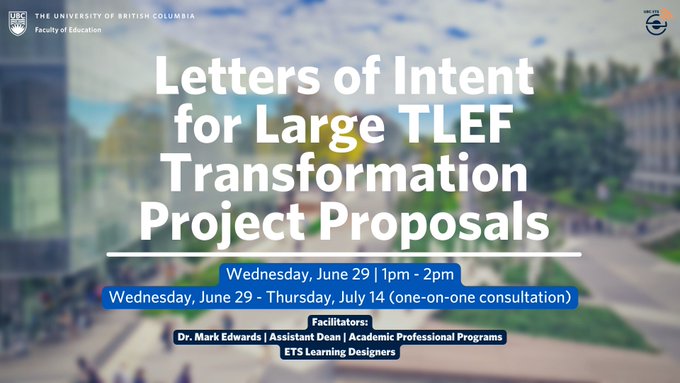
CTLT released its call for Letters of Intent (LOI) for Large TLEF Transformation Projects on June 6th. This year’s Large TLEF is a special call focused on hybrid and multi-access course redesign projects. Only new applications aligned with this focus area will be accepted for the Large TLEF round. The deadline for applicants to submit LOIs for a Large TLEF Transformation Project is Thursday, July 14, 2022.
Facilitators: Dr. Mark Edwards, Assistant Dean, Academic Professional Programs + ETS Learning Designers
CTLT released its call for Letters of Intent (LOI) for Large TLEF Transformation Projects on June 6th. This year’s Large TLEF is a special call focused on hybrid and multi-access course redesign projects. Only new applications aligned with this focus area will be accepted for the Large TLEF round.
The 2023/24 Large TLEF funding round is a special call to academic units interested in hybrid and multi-access course redesign projects. The LOI submission deadline is 3 pm on Thursday, July 14, 2022.
Approximately $1 million in funding is available to support teams looking to redesign multiple courses within a program to maximize flexibility and accessibility for students by combining both in-person and online approaches within and/or across course activities.
This session will cover time-tested strategies for improving the student experience in digital learning spaces and will empower you with resources to meet your students’ needs. We’ve offered 2 dates for more flexibility – we look forward to providing you with 1-on-1 support!
Receive one-on-one support for all your questions about setting up and teaching online with Canvas (UBC’s primary all-in-one platform for delivering online courses) and other learning technology tips and tricks.
This session will ensure that you get a chance to have your questions answered and receive personalized support from an ETS staff member. Come ready with any questions you may have about Canvas!
The pandemic pushed faculties and students into a world of teaching and learning that increasingly weaves online and in-person learning and re-envisions the needs for the use of learning technologies. Please join our panelists from the Faculty of Land and Food Systems, Faculty of Medicine, and Faculty of Education to explore the possible directions of designing for learning in terms of the hybridization of courses and technology use. Our panelists bring their unique views and specific needs (e.g. large vs small courses, professional training and practice, pedagogical considerations) from these Faculties. We also invite the audience to join in the discussion with their perspectives, questions, and commentaries.
This event is being offered in partnership with the Centre for Teaching, Learning and Technology.
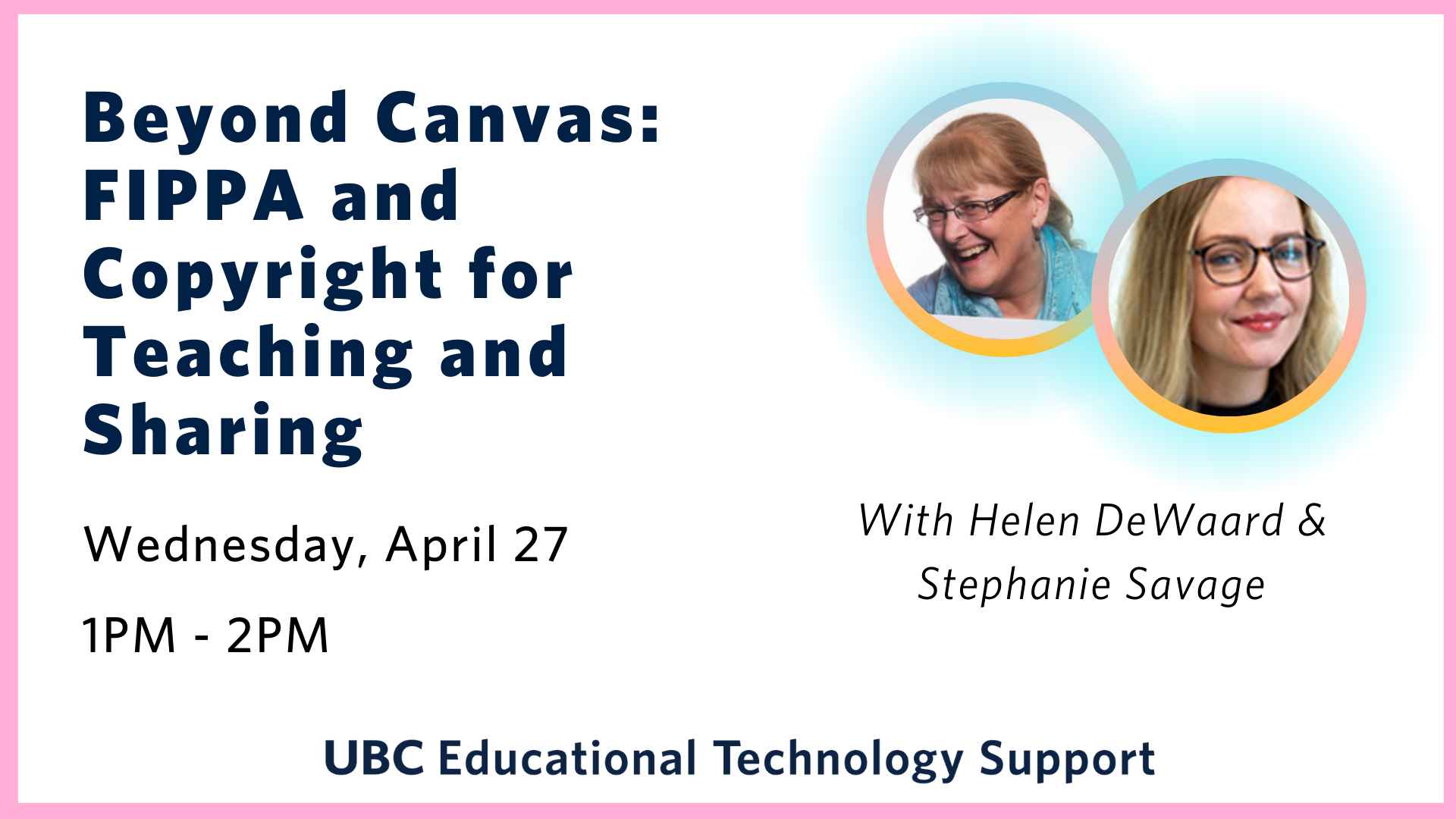
Join ETS learning designer Helen DeWaard as she welcomes Stephanie Savage, Scholarly Communications and Copyright Services Librarian at UBC Library, for a session on the basics of copyright for teaching and sharing. This session will primarily cover the perspective of instructors as users of copyrighted works in their teaching activities and will include information on user rights, creative commons licenses, online teaching, and considerations for sharing materials outside of the UBC classroom environment. A presentation will be followed with ample time for questions.
Universal Design for Learning (UDL) is a framework that addresses learner differences and helps to improve accessibility for learners. UDL is intended to give all students an equal opportunity to succeed. In this workshop, you will learn about the value of applying the UDL Guidelines and learn about some gaps in the framework. We will also take a look at tools and tips to help improve your courses.
Ally is one such tool that can be integrated in Canvas to help you begin. Ally can help make courses more accessible by providing you with a report containing practical guidance with its time-saving interface with identifies and ranks the improvements needed. It also allows students to download documents in alternative formats (like audio or electronic braille). This session will explore Ally in action, and walk you through how to request it for your course.
Come join us in an interactive session where we will help you set up a basic Canvas shell and explore using the online learning environment to enhance your in-person classes. We will consider options such as entrance and exit slips, flipped classroom, online group work, creating spaces for handouts, pre-class multimedia activities.
Note: While this workshop is focused on instructors within the English Language Institute, anyone with questions about Canvas is more than welcome to join!
View video overview of the Canvas Assignments demonstration from the previous workshop.
Join our Canvas Assignments Masterclass workshop as we take a deep dive into navigating, building, and grading assignments, group assignments and peer review on Canvas. We will uncover the hidden quirks of using these tools, troubleshooting common and not-so-common problems, and answering all your questions regarding Canvas assignments.
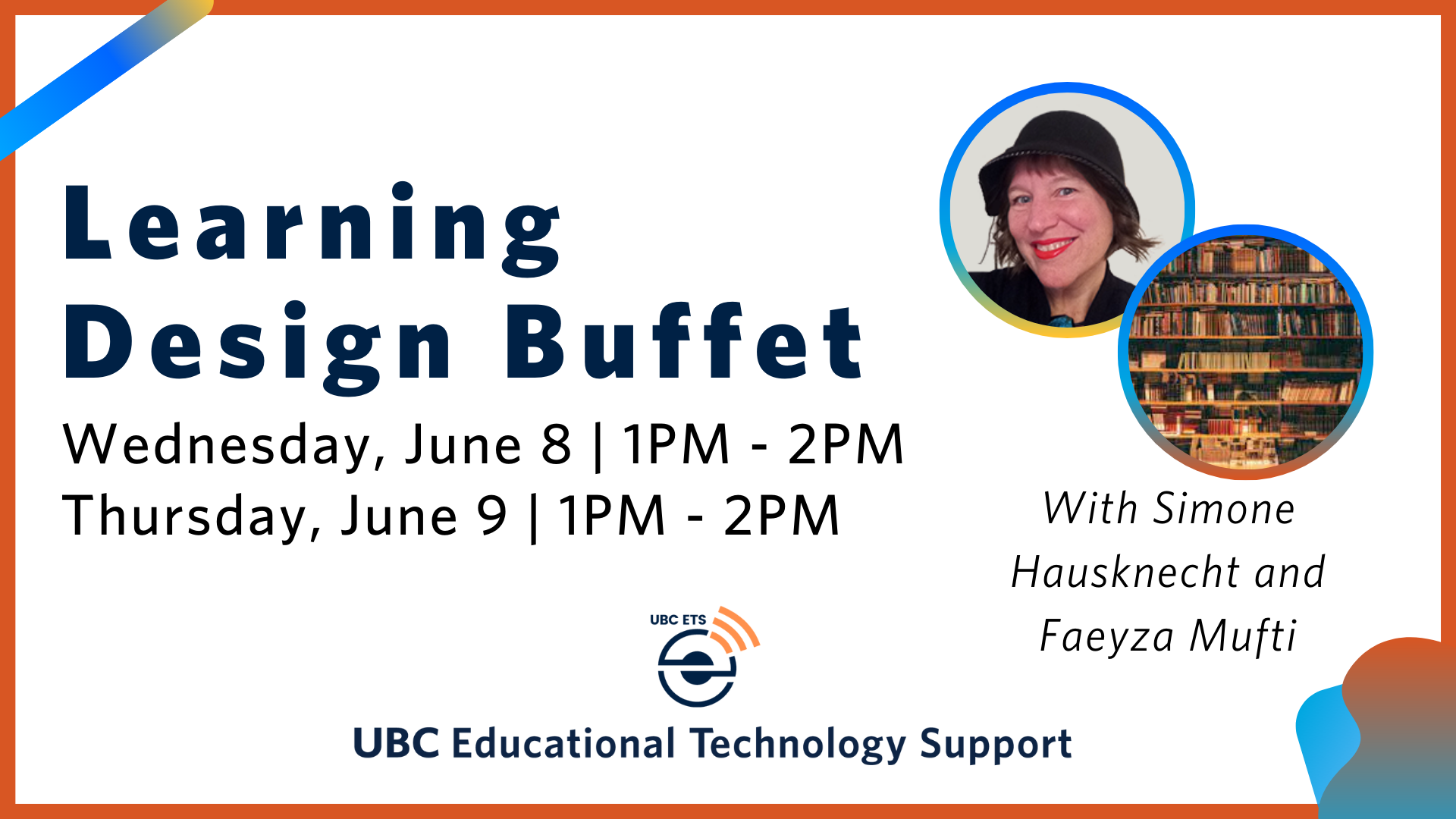
Interested in chatting about your course design strategies? Looking for additional insights and help? Come to our Learning Design Buffet meeting for a 1-on-1 consultation.
We will walk you through some of the time-tested strategies for improving the student experience in digital learning spaces and empower you with resources to meet your student needs!